
Art in Motion · Free trial classes
Your first class
starts here.
Meet our teachers, explore a weekly class, and find your place at AIM. We’re excited to welcome your family.
Your visit, from hello to goodbye
Check in
Stop at the front desk with your dancer before class begins.
Stay for the trial
A parent must be present for the entire class while your dancer gets to know AIM.
Check out
Return to the front desk with your dancer after class, before leaving. Our team can help with questions and next steps.
Trying Acro? Call us first.
Acro trial placement depends on experience and skill level. Please call your location so our team can book an appropriate class.
Book your trial in three steps
For regular weekly classes other than Acro, start in our Parent Portal.
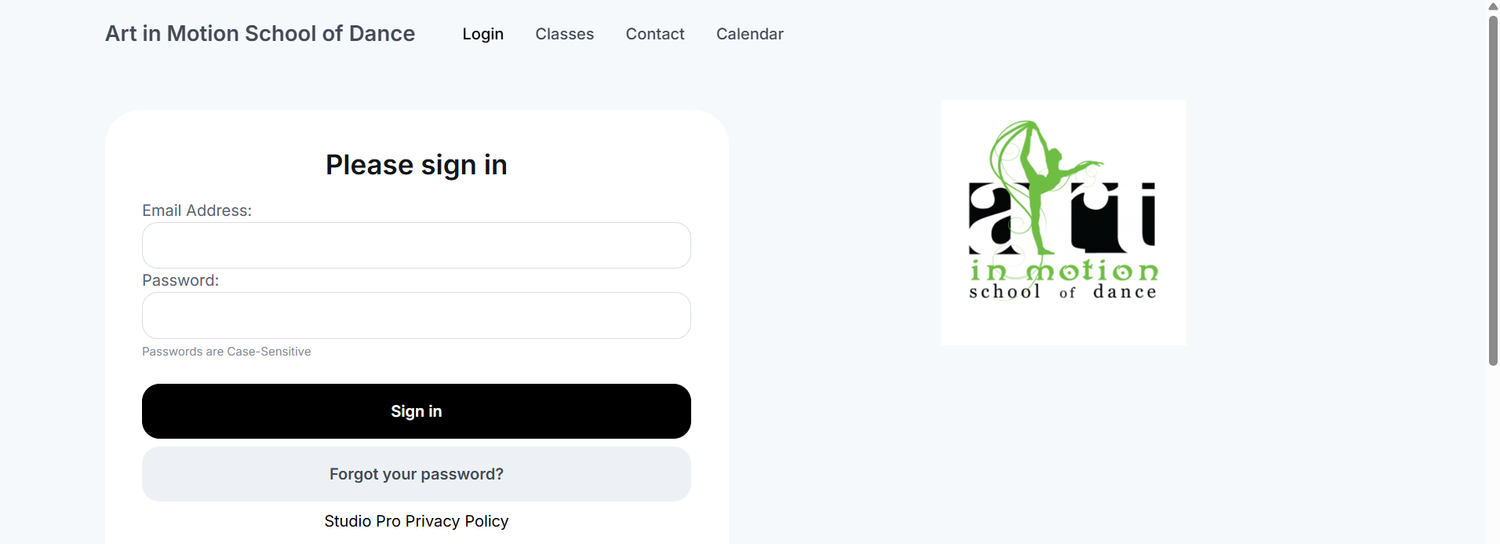
Log in or create an account
Use your existing Parent Portal account, or create one if you’re new to AIM.
Choose a class and date
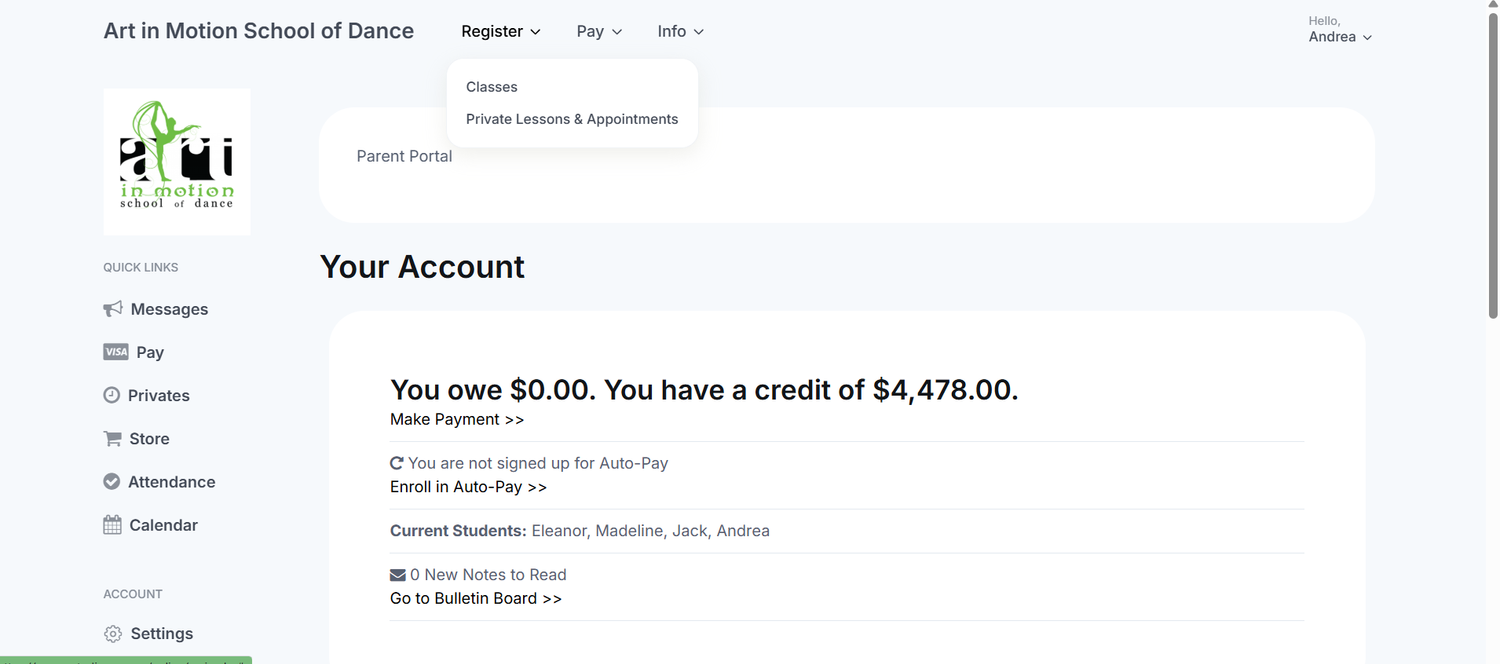
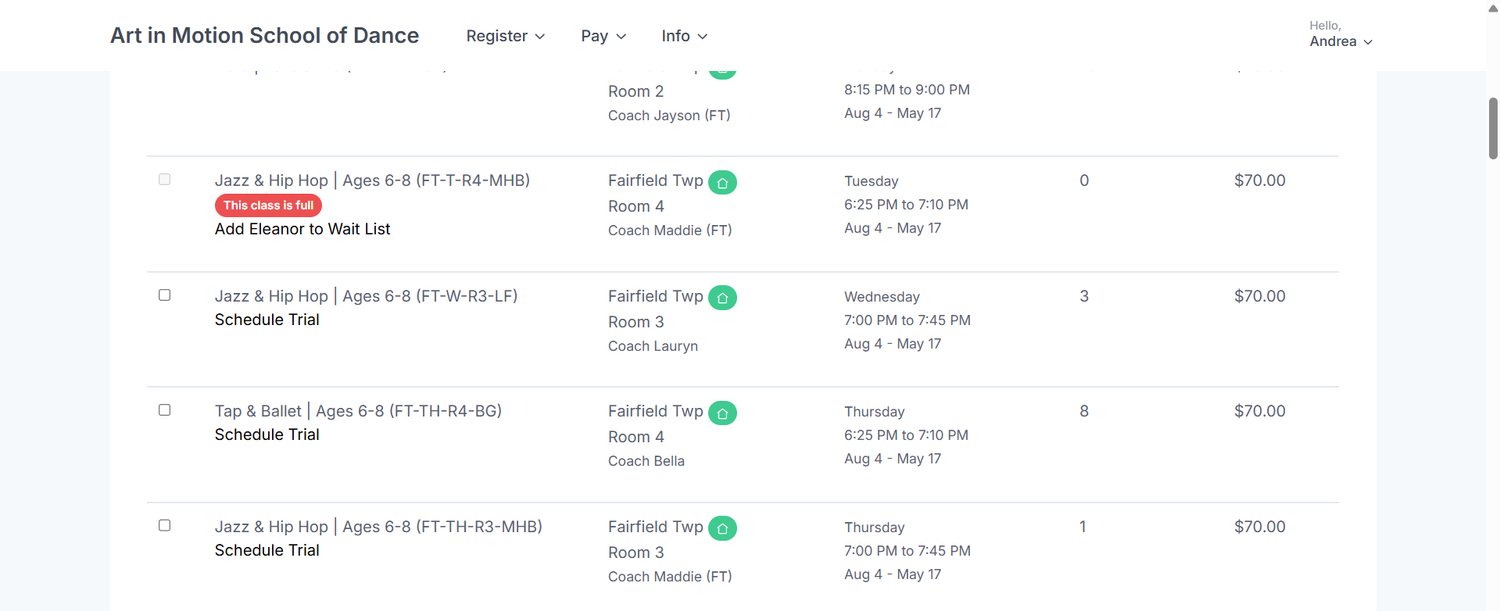
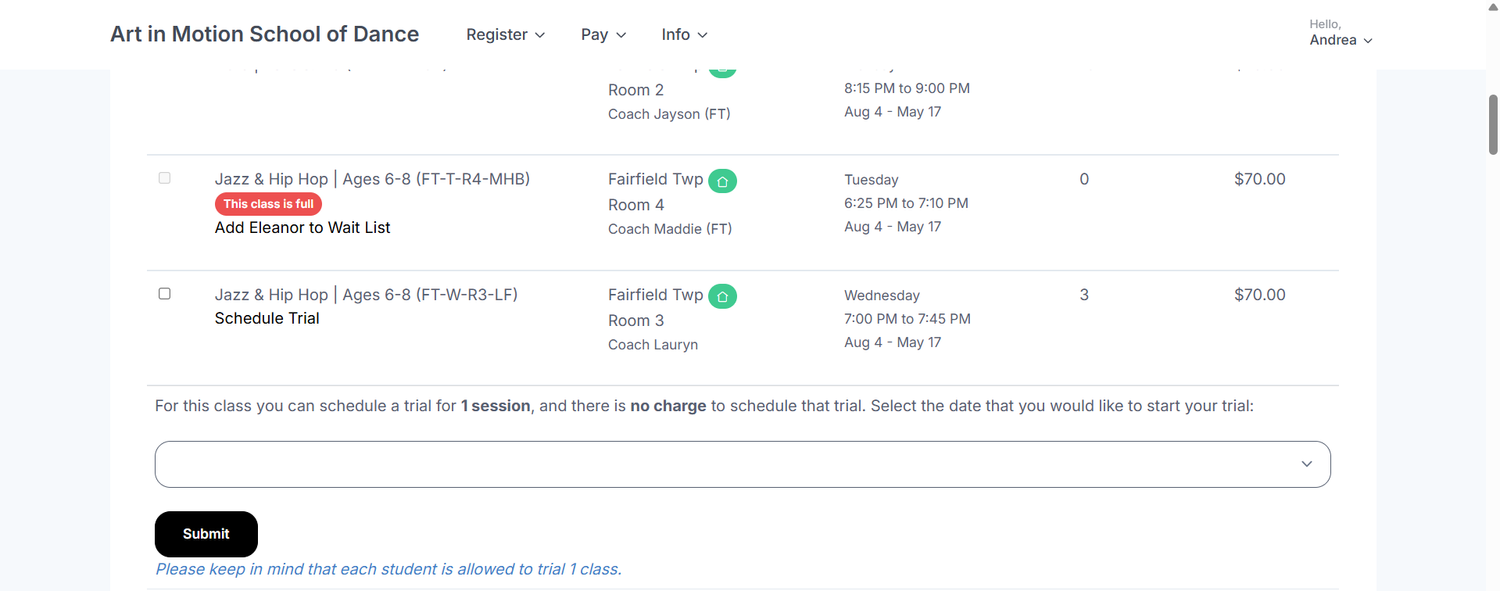
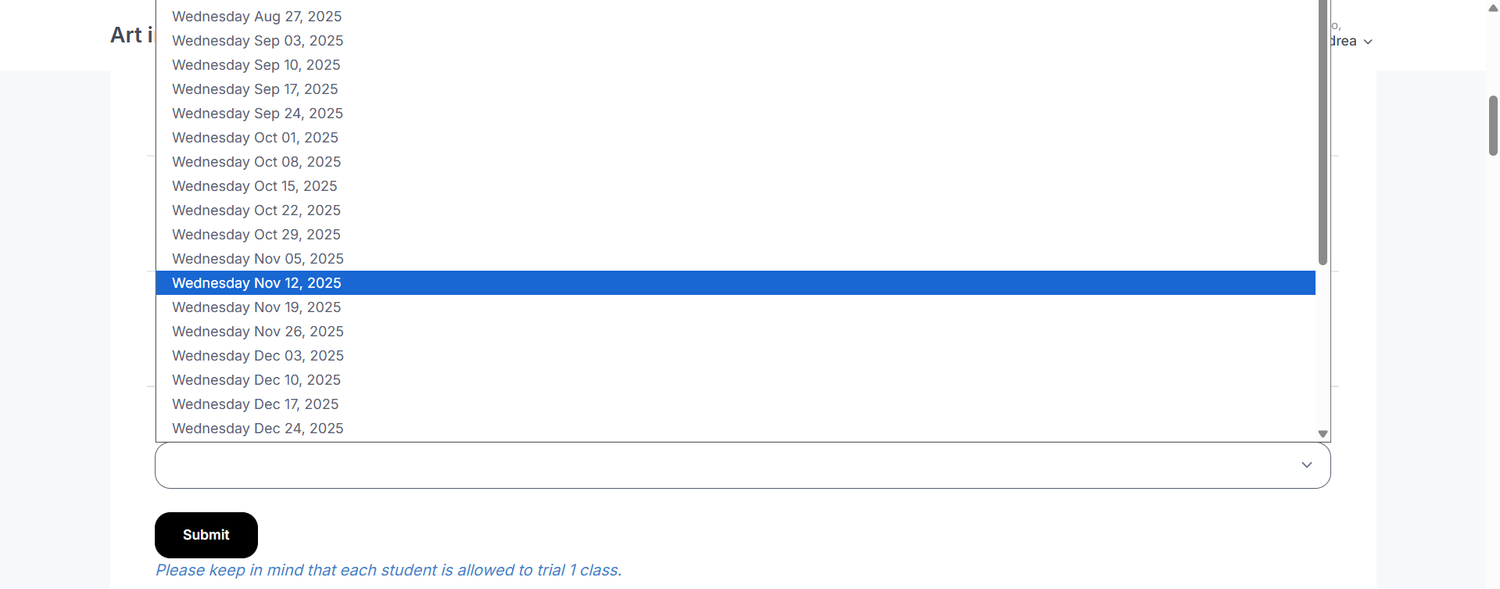
Open Register → Classes. Find your class, choose Schedule Trial, and select an available date. Full classes may offer a wait list.
Confirm your booking
Complete the required waivers and submit your request. Check your email confirmation for your trial details.
Trial classes are for regular weekly classes only. Demi Sessions do not offer trials.
See step-by-step booking screenshots
These screenshots show the booking process. Dates, class listings, and availability are examples; select a current date in the portal.
A few things to know
Does a parent need to stay?
Yes. A parent must remain present for the entire trial class. Please check in and check out at the front desk with your dancer. Trial classes are not drop-off classes.
Can we try a Demi Session?
No. Trial classes are offered for regular weekly classes only. Demi Sessions have set session pricing and do not offer trials. Explore Demi Sessions.
What if our preferred class is full?
Look for the wait-list option in the Parent Portal, or call your location for help finding another class.
What happens after the trial?
Check out at the front desk before leaving. This is a good time to share how the class went, ask questions, and discuss enrollment with our team.
Your first class could be the start of something wonderful.


We can’t wait to meet your dancer.
Book a weekly-class trial, and plan to stay for the full visit. For Acro, call us to book.